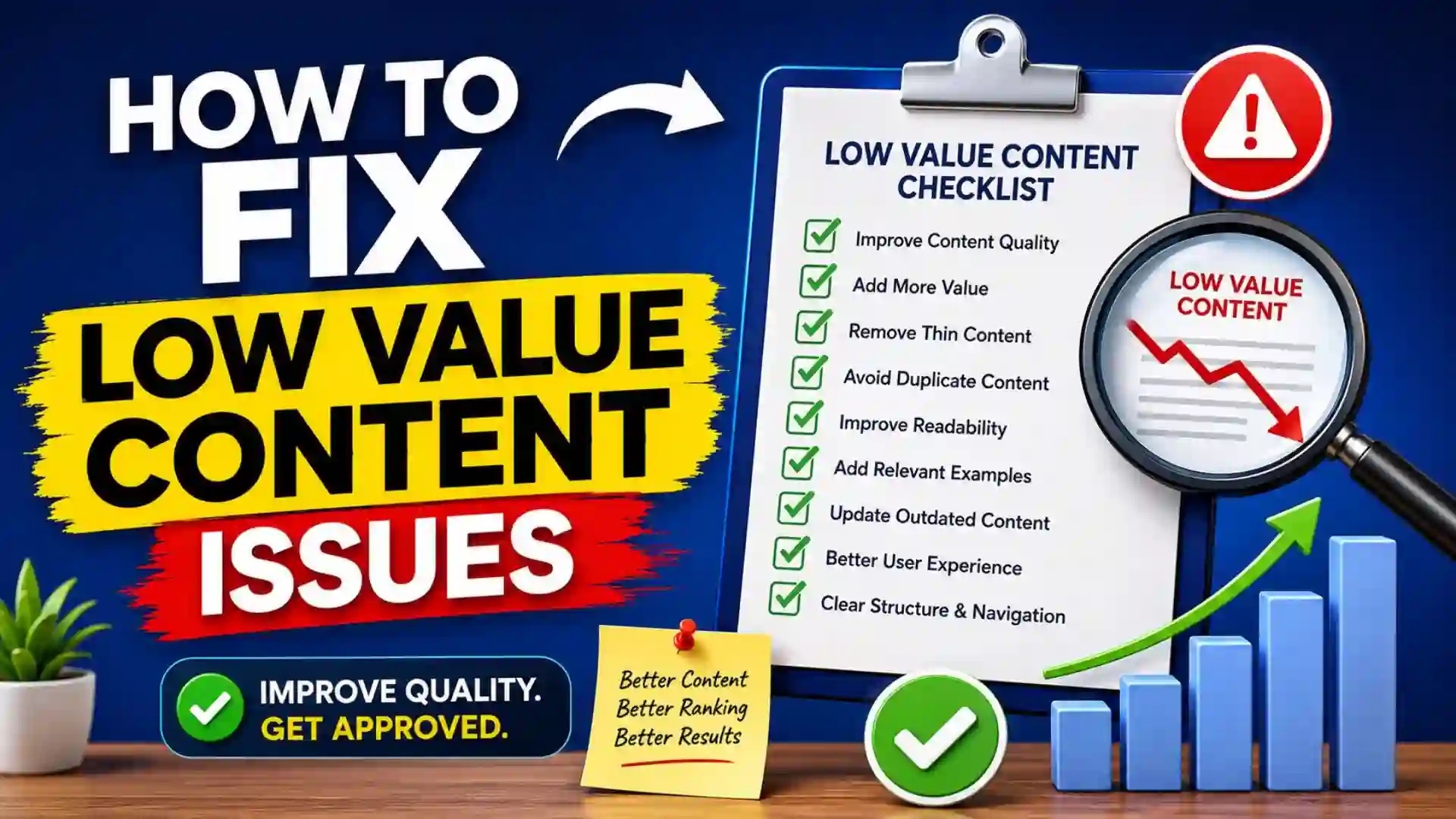
How to Fix Low Value Content Issues: A Complete Guide for Website Owners
How to Fix Low Value Content Issues? One of the most frustrating messages website owners receive during a Google AdSense review is “Low Value Content.” Many publishers spend weeks or even months creating articles, only to discover that Google considers their content insufficient for monetization.
The good news is that a Low Value Content issue can usually be fixed. In most cases, the problem is not a single article but rather the overall quality, usefulness, originality, and user experience of the website.
Understanding what Google considers valuable content is the first step toward resolving the issue. Once you identify the weaknesses in your website, you can make improvements that not only increase your chances of AdSense approval but also improve search engine rankings and user engagement.
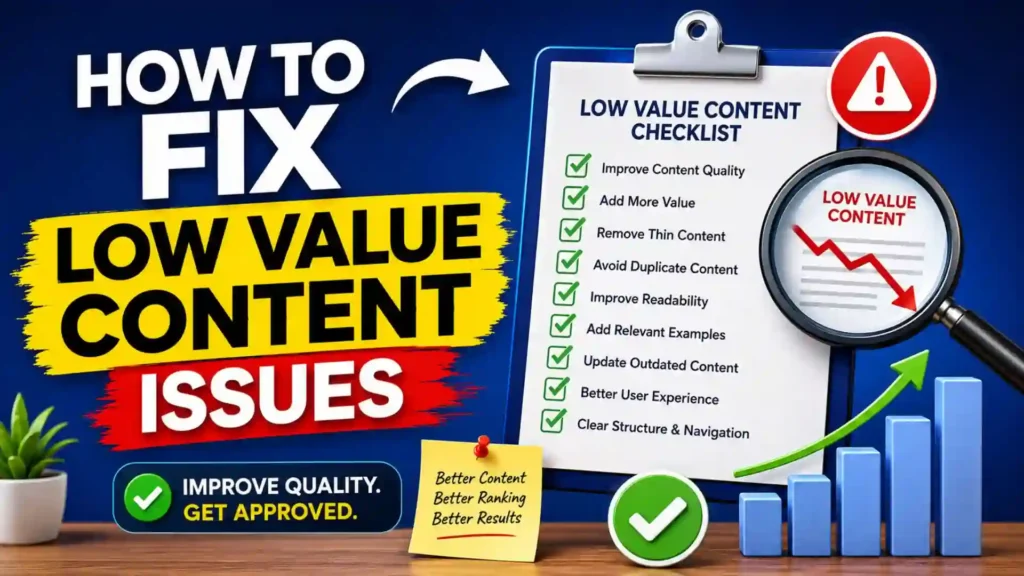
This guide explains what Low Value Content means, why websites receive this warning, and the exact steps you can take to fix it.
What Is Low Value Content?
Low Value Content refers to content that does not provide enough unique, useful, or meaningful information for users.
Google wants to display advertisements on websites that genuinely help visitors. If your content appears repetitive, shallow, copied, automatically generated, or lacking useful information, Google may classify it as low value.
Low Value Content does not necessarily mean your articles are bad. It simply means that Google believes users would not gain enough benefit from visiting your website compared to other available resources.
Why Google Flags Low Value Content?
Google’s goal is to provide users with high-quality experiences.
When evaluating a website, Google examines factors such as:
- Originality
- Content depth
- User experience
- Website authority
- Navigation quality
- Content usefulness
- Expertise signals
- Site structure
If your website fails to meet expectations in several of these areas, it may receive a Low Value Content notification.
Common Reasons for Low Value Content
Thin Articles
One of the most common problems is publishing articles that are too short.
Examples include:
- 200-word blog posts
- Single-paragraph pages
- Brief summaries with little information
Short content often fails to answer user questions thoroughly.
Duplicate Content
Duplicate content occurs when:
- Articles are copied from other websites
- Multiple pages cover the same topic with little difference
- Product descriptions are reused without modification
Google prefers unique and original content.
AI Content Without Human Editing
AI tools can assist writers, but content that is published without proper editing may lack:
- Accuracy
- Personal insights
- Detailed explanations
- Real-world examples
Low-quality automated content often triggers quality concerns.
Poor Website Structure
Even excellent articles can struggle if the website itself is difficult to navigate.
Problems include:
- Missing categories
- Broken menus
- Confusing navigation
- Poor organization
Visitors should easily find relevant content.
Lack of Expertise
Google wants to see evidence that content creators understand their topics.
Websites often receive low value assessments when articles appear generic and lack expertise.
Excessive Advertising
Some websites prioritize advertisements over content.
Examples include:
- Too many ads above the fold
- Intrusive popups
- Limited actual content
Users should encounter valuable information before advertisements.
Important Information
| Item | Recommended Action |
|---|---|
| Article Length | 1000–2500+ words |
| Content Originality | 100% Unique |
| About Us Page | Required |
| Contact Page | Required |
| Privacy Policy | Required |
| Internal Linking | Strongly Recommended |
| Mobile Friendliness | Required |
| HTTPS Security | Required |
| Navigation Structure | Clear and Organized |
| Author Information | Recommended |
| Content Updates | Regular |
| User Experience | High Priority |
| Duplicate Content | Avoid Completely |
| Broken Links | Fix Immediately |
| Images | Relevant and Original When Possible |
Low Value Content Audit Checklist
| Website Area | Status to Check |
| Content Depth | Comprehensive |
| Grammar and Spelling | Error-Free |
| Originality | Unique |
| User Intent Coverage | Complete |
| Mobile Design | Responsive |
| Loading Speed | Fast |
| Internal Links | Present |
| External References | Relevant |
| Navigation | Easy |
| Categories | Organized |
| Essential Pages | Available |
| Indexing Status | Verified |
| Content Updates | Consistent |
| Duplicate Pages | Removed |
| Thin Content | Expanded |
Step 1: Audit Your Existing Content
Before creating new content, evaluate what already exists.
Review every article and ask:
- Does this article solve a problem?
- Is the information detailed?
- Would I bookmark this page?
- Does it offer something unique?
Create a spreadsheet listing:
- URL
- Word count
- Topic
- Improvement opportunities
This process reveals weak content that needs updating.
Step 2: Improve Thin Content
Many websites contain articles with minimal information.
A 300-word article can often become a valuable 1500-word resource by adding:
- Detailed explanations
- Examples
- Case studies
- Statistics
- Frequently asked questions
- Step-by-step instructions
Google generally favors content that fully answers user questions.
Step 3: Focus on User Intent
Every search query has an intent.
Users may want:
- Information
- Solutions
- Comparisons
- Tutorials
- Reviews
Your content should completely satisfy the reason someone searched for the topic.
For example, if someone searches “How to Fix Low Value Content Issues,” they expect actionable solutions rather than a brief definition.
Step 4: Create Original Content
Originality is essential.
Avoid:
- Copying competitors
- Rewriting articles with minor changes
- Publishing duplicated content
Instead:
- Share personal experiences
- Provide examples
- Include unique perspectives
- Add practical insights
Original content is significantly more valuable than recycled information.
Step 5: Add Expertise Signals
Google wants evidence of expertise.
You can improve trust by adding:
- Author biographies
- Professional credentials
- Experience-based examples
- Industry knowledge
Expertise helps differentiate your website from generic content farms.
Step 6: Improve Website Navigation
A well-structured website improves user engagement.
Include:
- Main navigation menu
- Categories
- Search feature
- Related posts section
- Breadcrumb navigation
Visitors should reach important content within a few clicks.
Step 7: Create Essential Trust Pages
Trust is a major factor in content quality.
Important pages include:
About Us
Explain:
- Who runs the website
- Website goals
- Expertise areas
Contact Page
Include:
- Contact form
- Email address
- Business information when applicable
Privacy Policy
Explain:
- Data collection practices
- Cookie usage
- Advertising policies
Terms and Conditions
Clarify website usage guidelines.
These pages help establish legitimacy.
Step 8: Improve Readability
Even valuable information can perform poorly if it is difficult to read.
Improve readability by:
- Using short paragraphs
- Creating subheadings
- Using bullet points
- Writing clearly
- Avoiding jargon when possible
Users should quickly understand your content.
Step 9: Add Relevant Images
Images can improve engagement when used appropriately.
Good image practices include:
- Original screenshots
- Infographics
- Charts
- Tutorial images
Avoid using random images that do not support the content.
Step 10: Build Internal Links
Internal links help both users and search engines.
Benefits include:
- Better navigation
- Increased page views
- Improved content discovery
- Stronger site structure
Every article should connect naturally to related content.
Step 11: Remove Low-Quality Pages
Sometimes improving content is not enough.
Pages that provide little value may need:
- Consolidation
- Redirection
- Removal
Examples include:
- Empty category pages
- Duplicate articles
- Outdated low-quality content
A smaller site with strong content often performs better than a large site filled with weak pages.
Step 12: Update Old Content
Content freshness matters.
Update older articles by:
- Adding new information
- Improving formatting
- Expanding sections
- Correcting outdated facts
Regular updates show ongoing maintenance and commitment to quality.
Step 13: Improve Mobile User Experience
Most website traffic comes from mobile devices.
Your website should:
- Load quickly
- Display properly on smartphones
- Use readable fonts
- Have clickable buttons
Poor mobile experiences can contribute to quality concerns.
Step 14: Increase Content Depth
Comprehensive content generally performs better.
Instead of writing:
“AdSense requires quality content.”
Explain:
- What quality content means
- Why it matters
- Examples of good content
- Common mistakes
- Practical implementation steps
Depth transforms average content into valuable content.
Step 15: Reduce Content Cannibalization
Content cannibalization occurs when multiple pages target the same topic.
For example:
- How to Get AdSense Approval
- AdSense Approval Tips
- AdSense Approval Guide
If all cover identical information, they compete with each other.
Consider merging similar content into a stronger resource.
Step 16: Improve Site Speed
Slow websites create poor user experiences.
Optimize speed by:
- Compressing images
- Using caching
- Choosing quality hosting
- Removing unnecessary plugins
Fast websites improve engagement and satisfaction.
Step 17: Demonstrate Authority
Authority develops over time.
You can strengthen authority by:
- Publishing consistently
- Covering topics in depth
- Creating topic clusters
- Building a recognizable brand
Authority increases both user trust and search visibility.
Step 18: Monitor User Behavior
Review metrics such as:
- Bounce rate
- Time on page
- Pages per session
- Returning visitors
Poor engagement may indicate content quality issues.
User behavior often reveals improvement opportunities.
Step 19: Create Content for Real People
One of the biggest mistakes is writing exclusively for search engines.
Instead, focus on:
- Solving problems
- Answering questions
- Providing actionable advice
Content written for users tends to perform better in both search results and AdSense reviews.
Step 20: Reapply Only After Significant Improvements
Many publishers reapply immediately after rejection.
Instead:
- Audit the site thoroughly
- Improve weak content
- Add trust pages
- Strengthen navigation
- Expand articles
Wait until meaningful improvements are complete before submitting another application.
Signs That Your Low Value Content Issues Are Fixed
Positive indicators include:
- Comprehensive articles
- Strong internal linking
- Professional design
- Clear navigation
- Useful information
- Improved user engagement
- Original content throughout the site
When your website consistently provides value, approval becomes much more achievable.
FAQ about How to Fix Low Value Content Issues?
What does Low Value Content mean in AdSense?
It means Google believes your website does not currently provide enough useful, original, or valuable information for users.
How many articles should I have before reapplying?
There is no official requirement, but many successful websites have at least 20 to 30 high-quality articles.
Can AI-generated content cause Low Value Content issues?
Yes. Content that lacks originality, expertise, accuracy, or human editing may contribute to quality concerns.
Is article length important?
Length alone is not enough, but comprehensive content usually performs better because it provides more value.
Should I delete weak articles?
In some cases, yes. Low-quality pages can be improved, merged, redirected, or removed depending on their usefulness.
How long does it take to fix Low Value Content problems?
The timeline varies. Some websites require only minor improvements, while others may need substantial restructuring and content updates.
Can a new website receive a Low Value Content warning?
Yes. New websites often receive this warning if they have limited content, weak structure, or insufficient value for users.
Does traffic affect Low Value Content issues?
Traffic is not usually the primary factor. Content quality, usefulness, and user experience are generally more important.
Conclusion
Low Value Content is one of the most common reasons websites struggle to obtain AdSense approval, but it is also one of the most fixable issues. The solution is not simply publishing more articles. Instead, the focus should be on creating genuinely useful content that helps users solve problems, answer questions, and achieve their goals.
A successful website combines original content, strong expertise, clear navigation, trust-building pages, mobile-friendly design, and a positive user experience. By auditing your existing content, expanding weak pages, improving site structure, and focusing on user value, you can transform your website into a resource that both visitors and Google appreciate.
The most effective long-term strategy is simple: create content that people genuinely want to read. When your website consistently delivers value, Low Value Content issues become far less likely, and your chances of AdSense approval increase significantly.